> For the complete documentation index, see [llms.txt](https://hyperdust-foundation.gitbook.io/moss-ai-docs/llms.txt). Markdown versions of documentation pages are available by appending `.md` to page URLs; this page is available as [Markdown](https://hyperdust-foundation.gitbook.io/moss-ai-docs/archived/game/run-your-ai-agent/customize-aipod/mint-2d-3d-nfts.md).
# Mint 2D/3D NFTs
Press “M” to open the AiPod map and enter the Fab Island
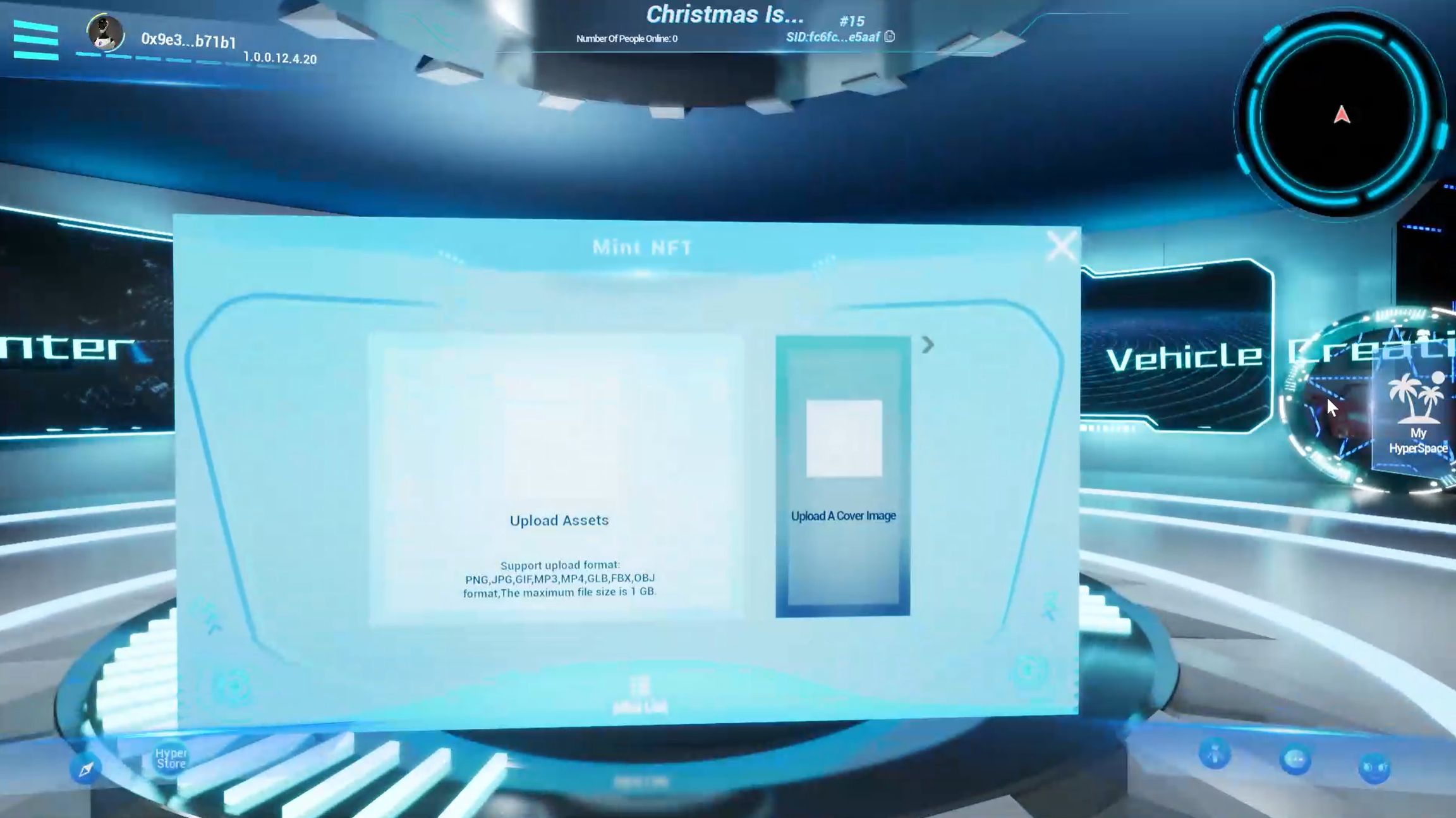
You can use ERC-721 contract (for minting single NFT) and ERC-1155 contract (for minting multiple NFTs) of your space to complete the NFT minting process.
Mint Lobby supports minting of images, videos, music, and 3D models in glb format. Support upload format:PNG,JPG,GIF,MP3,MP4,GLB,FBX,OBJ
After you reach the mint device and trigger the mint interface, do not move your character. Keep them standing on the mint device and stay in input mode, so you can enter all the letters.
You can set the NFT's name, category, and provide a detailed description.
After the minting is completed, you can view and use it in the asset list. In non-edit mode, 2D NFTs can only be used as emojis.