> For the complete documentation index, see [llms.txt](https://hyperdust-foundation.gitbook.io/moss-ai-docs/llms.txt). Markdown versions of documentation pages are available by appending `.md` to page URLs; this page is available as [Markdown](https://hyperdust-foundation.gitbook.io/moss-ai-docs/archived/game/run-it-on-your-pc.md).
# Run it on your PC
**1.Download the MOSS** AI **Pod from** **:**[**https://www.mossai.com/**](https://www.mossai.com/)
**Minimum Requirements**
Operating System: Windows 10 (64-bit) or later
Processor (CPU): Intel Core i5-9600K / AMD Ryzen 5 3600
GPU: NVIDIA GeForce RTX 2060 (6GB VRAM)
RAM: 16 GB
Storage: At least 50 GB of available space (SSD recommended for faster performance)
DirectX Version: DirectX 12
**Recommended Requirements**
Operating System: Windows 11 (64-bit)
Processor (CPU): Intel Core i7-12700K / AMD Ryzen 7 5800X
GPU: NVIDIA GeForce RTX 3060 (12GB VRAM)
RAM: 32 GB
Storage: 100 GB of available space (NVMe SSD highly recommended for optimal performance)
DirectX Version: DirectX 12 Ultimate
#### **2.**After downloading, please unzip first and open the AI Pod. Installation will take some time
Just follow these simple steps: download the file, unzip it, install it, and then double-click the desktop shortcut to launch — that’s it, you’re good to go!
Note: MOSS AI Pod uses P2P networking, so it requires administrator permission. Launching it from the desktop shortcut will automatically enable admin rights.
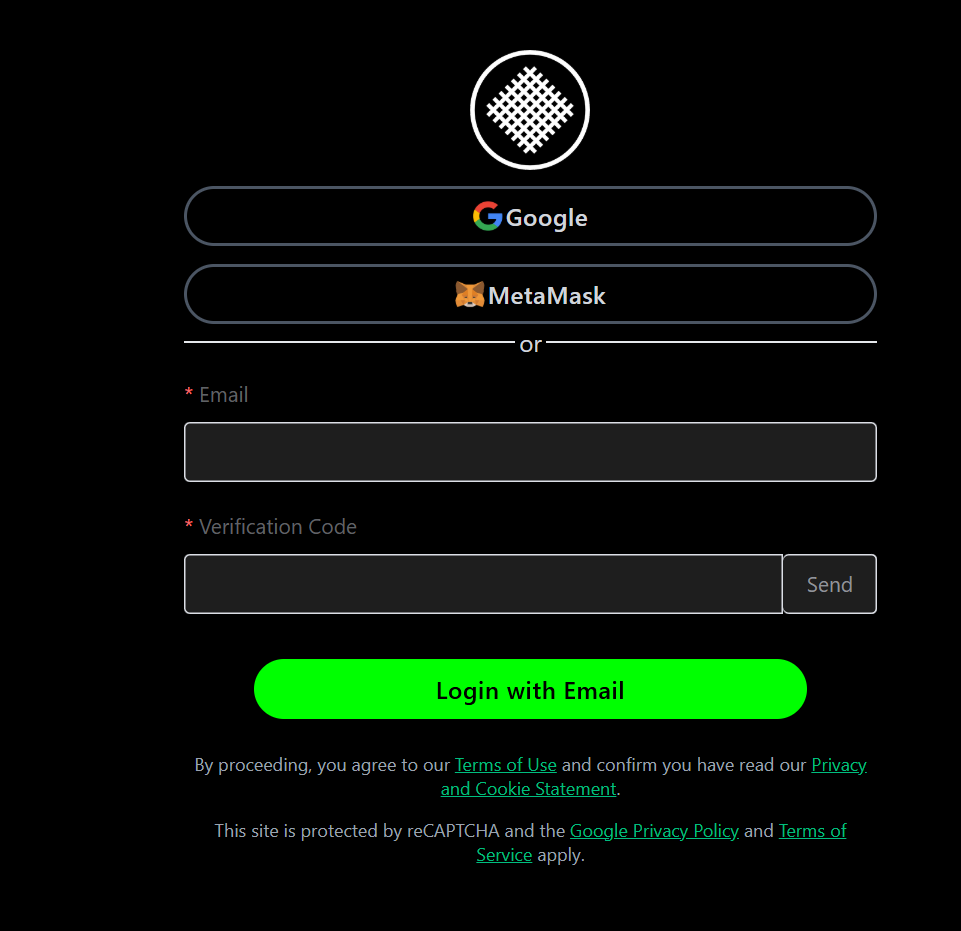
**3.You can choose to log in as either a host or a guest. Logging in as a guest only requires an email address.**
**4.To log in as a host, you can choose to log in with a wallet or an email address.**
**5.How to bind your email.**
Visit:
Log in with your wallet and bind your email.